
Rebooking attendee to a different session
You can move an attendee from one session to another without creating a new booking. Add the new session to their existing booking, then cancel the old one — no duplicate bookings, single payment history, single confirmation.
How to do it:
- Go to the relevant booking.
-
Click "Add item" and book the attendee into the new session. Do this before cancelling — once all items on a booking are cancelled, you can't add new ones, and adding first also preserves any discounts.
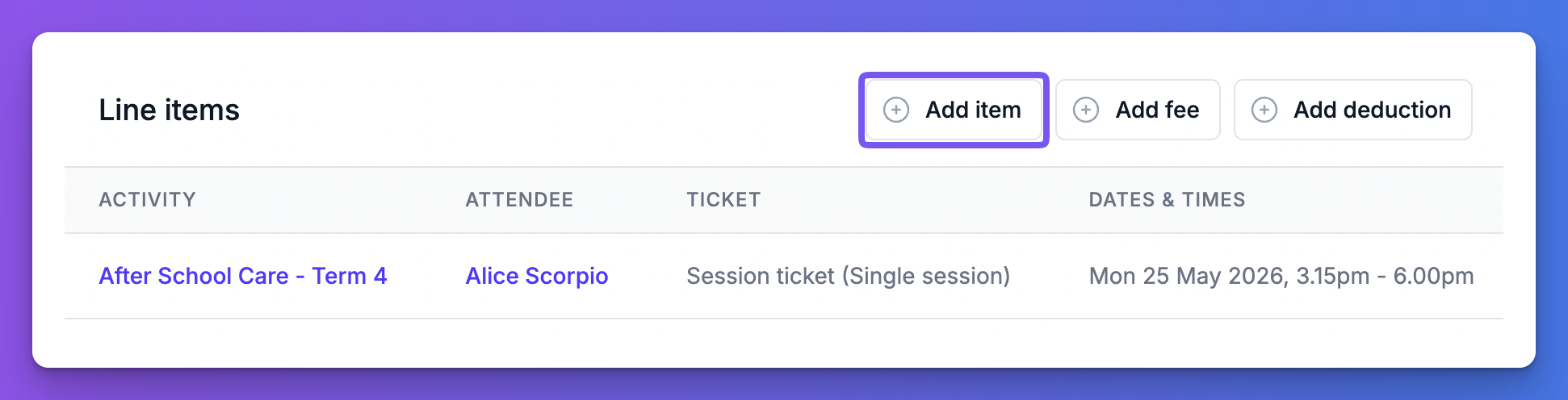
Add item to existing booking -
Cancel the session you're moving them off.
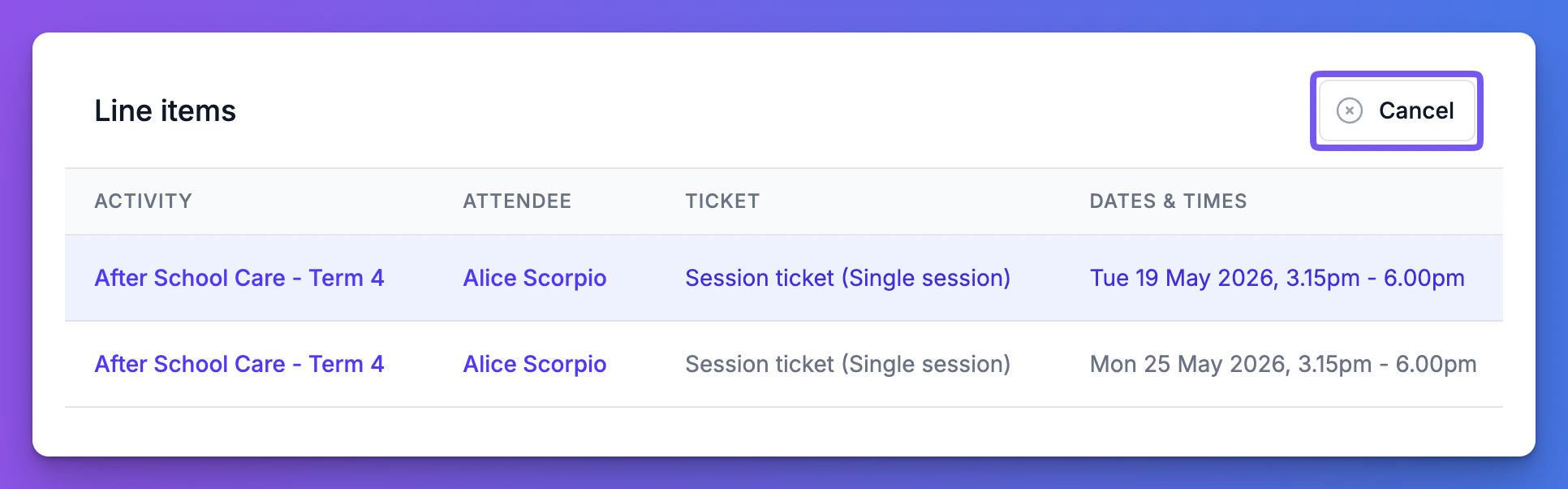
Cancel item from booking
- Click "Send confirmation" to email the attendee their updated booking.
Tip: Once all booking items are cancelled from a booking, it is not possible to add a new item to it. We therefore recommend to add the new item first then cancel the item you wish to cancel. This also helps preserve discounts applied to the booking.
How are discounts handled?
Any existing discounts will recalculate based on the new items. New discounts won't be applied automatically, even if the updated booking now meets the conditions for one. You can add a fee or deduction manually if needed.